
Extend your data model without losing control.
Custom Fields let Assurance and Mandate capture organisation-specific information through controlled definitions rather than unstructured notes or extra spreadsheet columns.
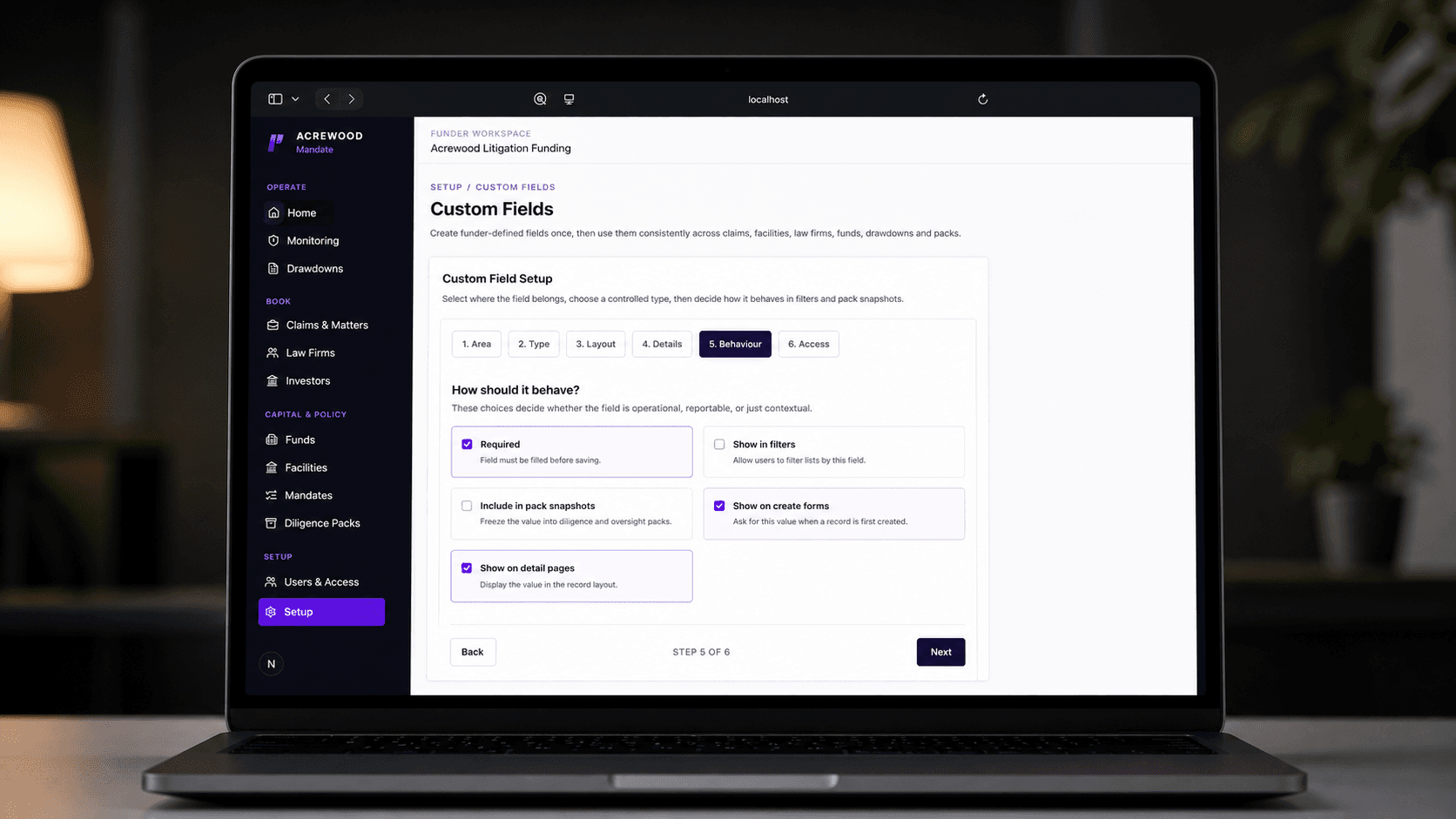
Controlled flexibility
Every portfolio has unique data, but not every difference needs another spreadsheet.
Custom Fields allow tenants to extend structured records while preserving the core data model and explicit ownership of each value.
Without a shared workflow
Organisation-specific information is stored in notes or parallel spreadsheets.
The same concept is labelled and formatted differently across teams.
Custom data becomes difficult to filter, validate or carry into reporting workflows.
With Lexivoa
Administrators define typed fields centrally for the relevant record types.
Users work with consistent labels, data types and controlled options.
Imported and manually captured information stays connected to structured records.
How it works
Define the field once. Control how it is used.
Define
Choose the label, key, data type and relevant product record.
Control
Set the available options, whether the field is required, where it appears and who can edit or view it.
Capture
Enter values on Mandate records or map Assurance import columns to the relevant case field.
Use
Keep approved values available for filtering, operating context and controlled reporting outputs.
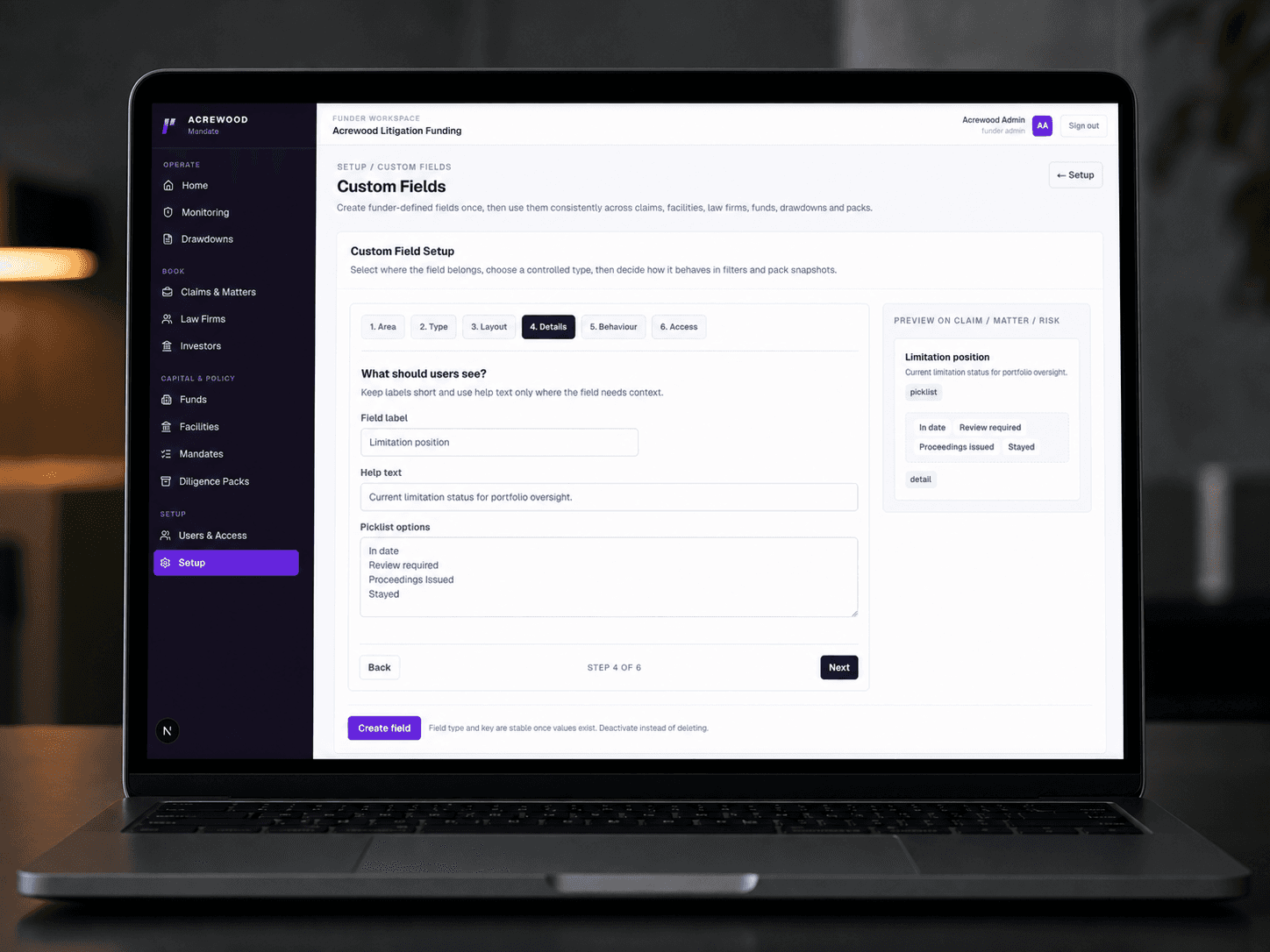
Operational impact
Flexible data. Explicit ownership and access.
Tenant-controlled extension
Adapt the operating record without changing the meaning of core Lexivoa fields.
Structured capture
Use typed values and controlled options instead of relying on free-form notes.
Product-specific consistency
Use the same controlled-field pattern within the relevant Assurance or Mandate workflows.
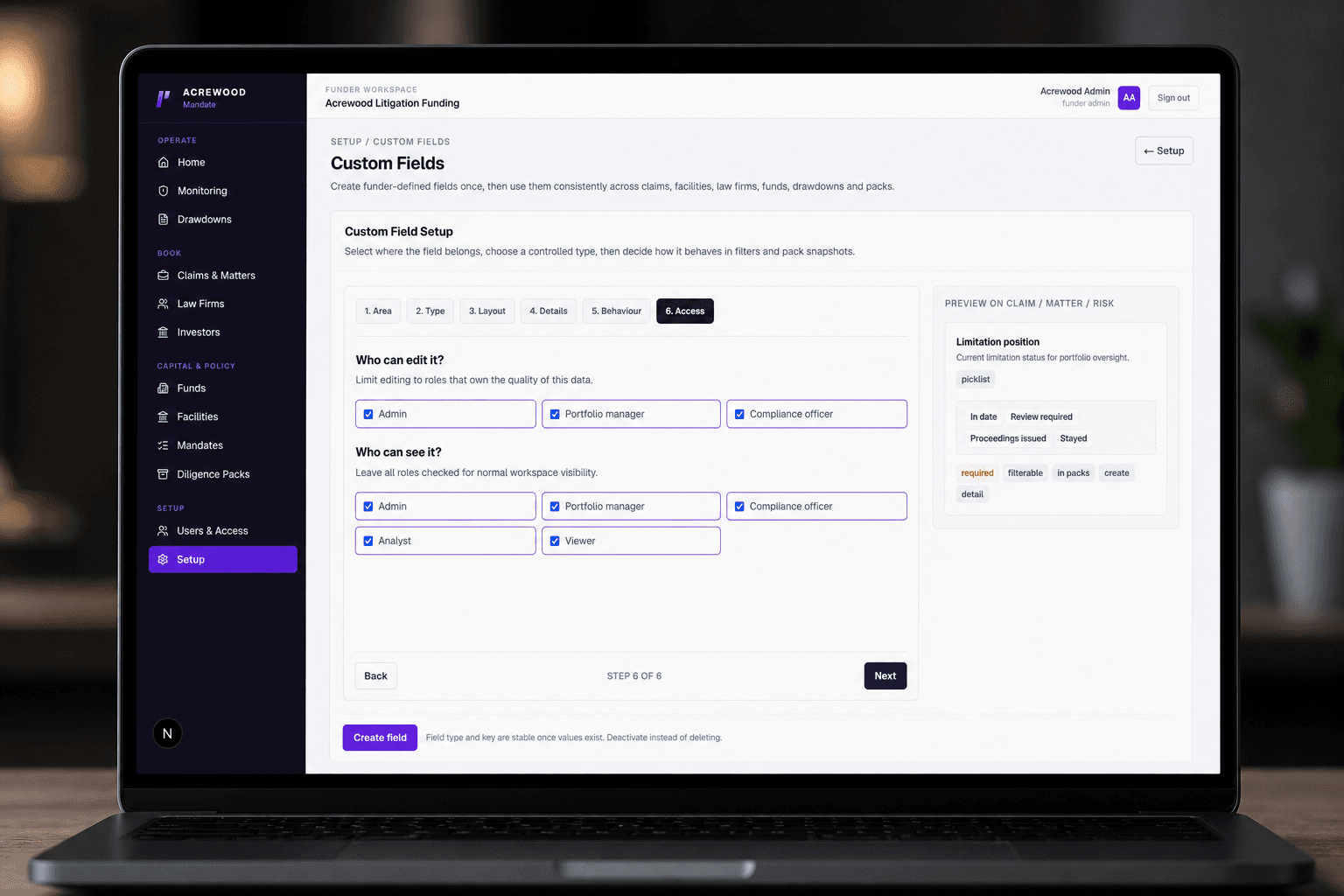
Built around the people doing the work
One workflow, clearer responsibilities.
Give each participant the information and actions relevant to them, while keeping the wider record controlled.
Funder administrators
Extend funds, facilities, firms, claims and other Mandate records with governed fields.
Assurance administrators
Retain client-specific case data during import through controlled case fields.
Operations teams
Use consistent labels and values instead of maintaining sidecar trackers.
Reporting owners
Keep organisation-specific context structured enough for filtering and controlled outputs.
Part of Assurance & Mandate
The concept is shared; each product keeps its own data boundaries.
Assurance custom fields extend audit case data, while Mandate custom fields extend funder operating records. They do not merge the products' databases or permissions.
Get Started
Ready to see Lexivoa in action?
Tell us who you are and we'll create your prospect workspace, route your request internally, and come back with the right walkthrough.